Mastering Your Mercayle Artist Dashboard
Your core operations, dynamic metrics, and real-time curation status live entirely inside your Mercayle Artist Dashboard. This guide walks you through maximizing your workspace tools to manage your portfolio efficiently.
Your Performance Dashboard at a Glance
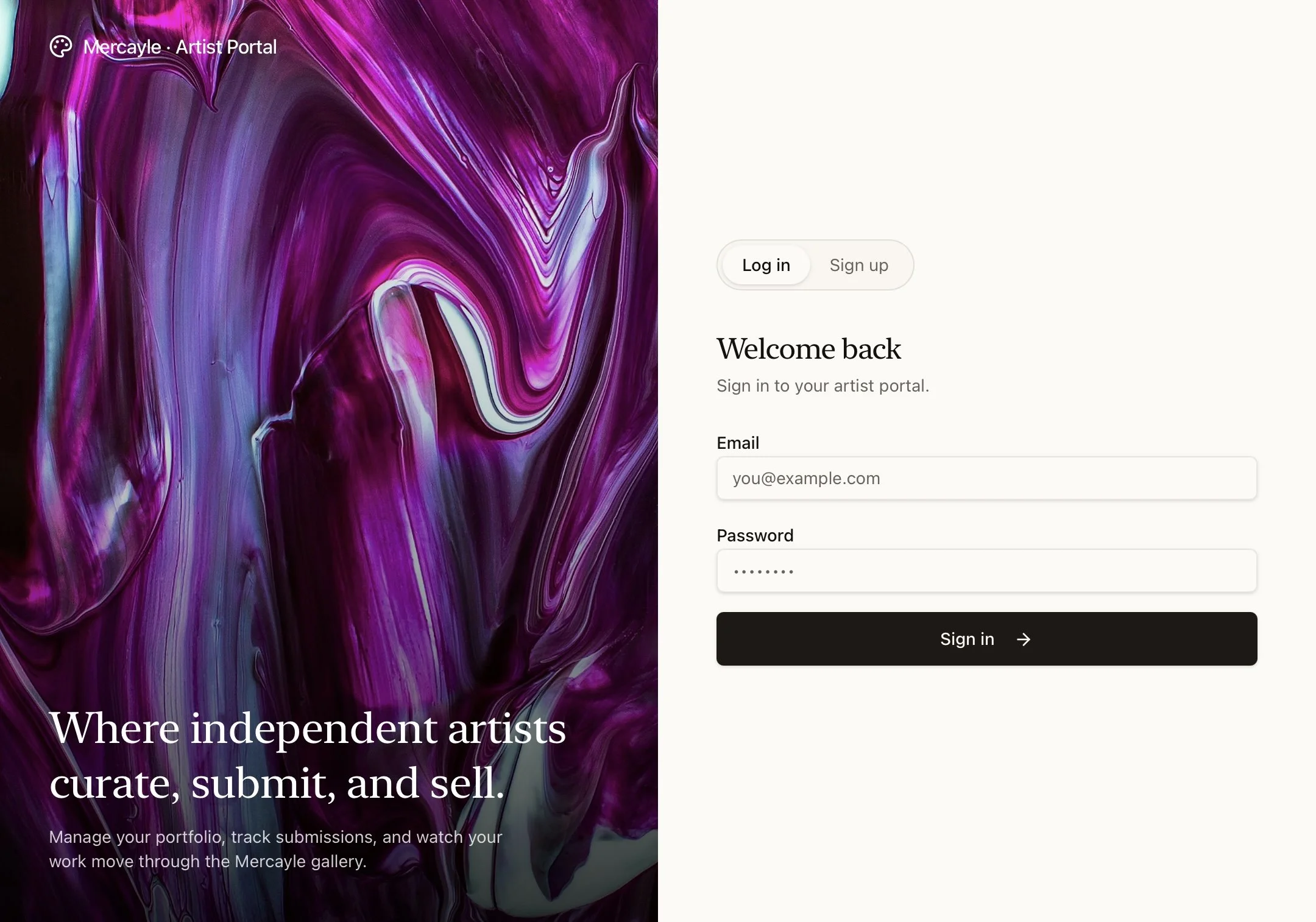
When you first log into your private artist dashboard, you are greeted by your main analytics hub. You will be provided a login and a temporary password which you will change after your first login.
Note: Some features and images might not be seen when viewing on mobile.
This section gives you an immediate financial and inventory health check without having to dig through old emails.
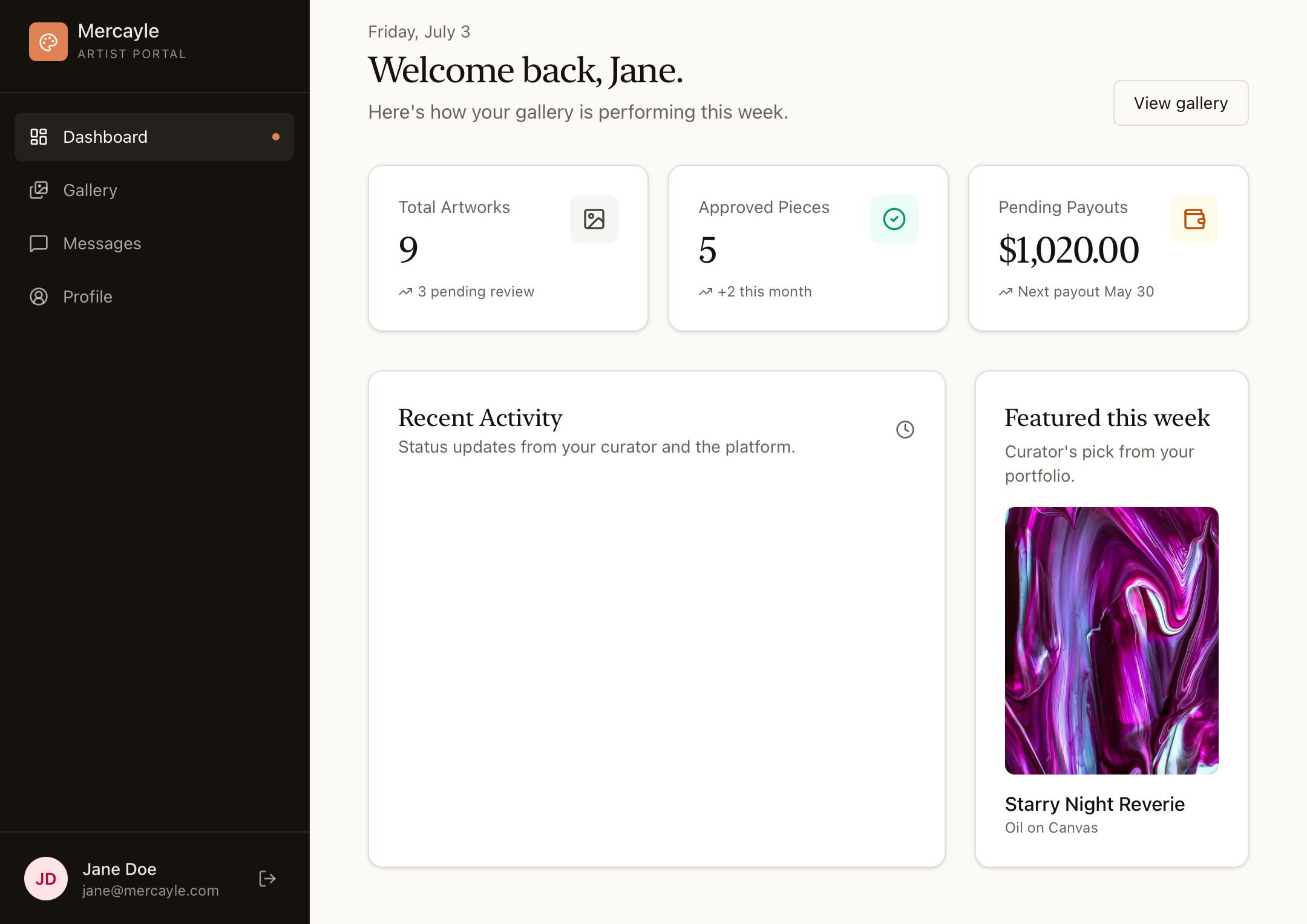
Total Artworks Tracker: Shows every piece you have logged into our secure databases, including items still awaiting a curator's stamp.
Approved Pieces Metric: Tracks exactly how many of your original works have officially passed the curation phase and are live for collectors to purchase.
Pending Payouts Card: Updates automatically whenever an artwork sells, detailing your upcoming bank transfer balances and clear disbursement dates.
The Gallery Section & Curation Tracking
The Gallery tab acts as your live digital catalog, exhibition record, and submission tracker all in one unified place.
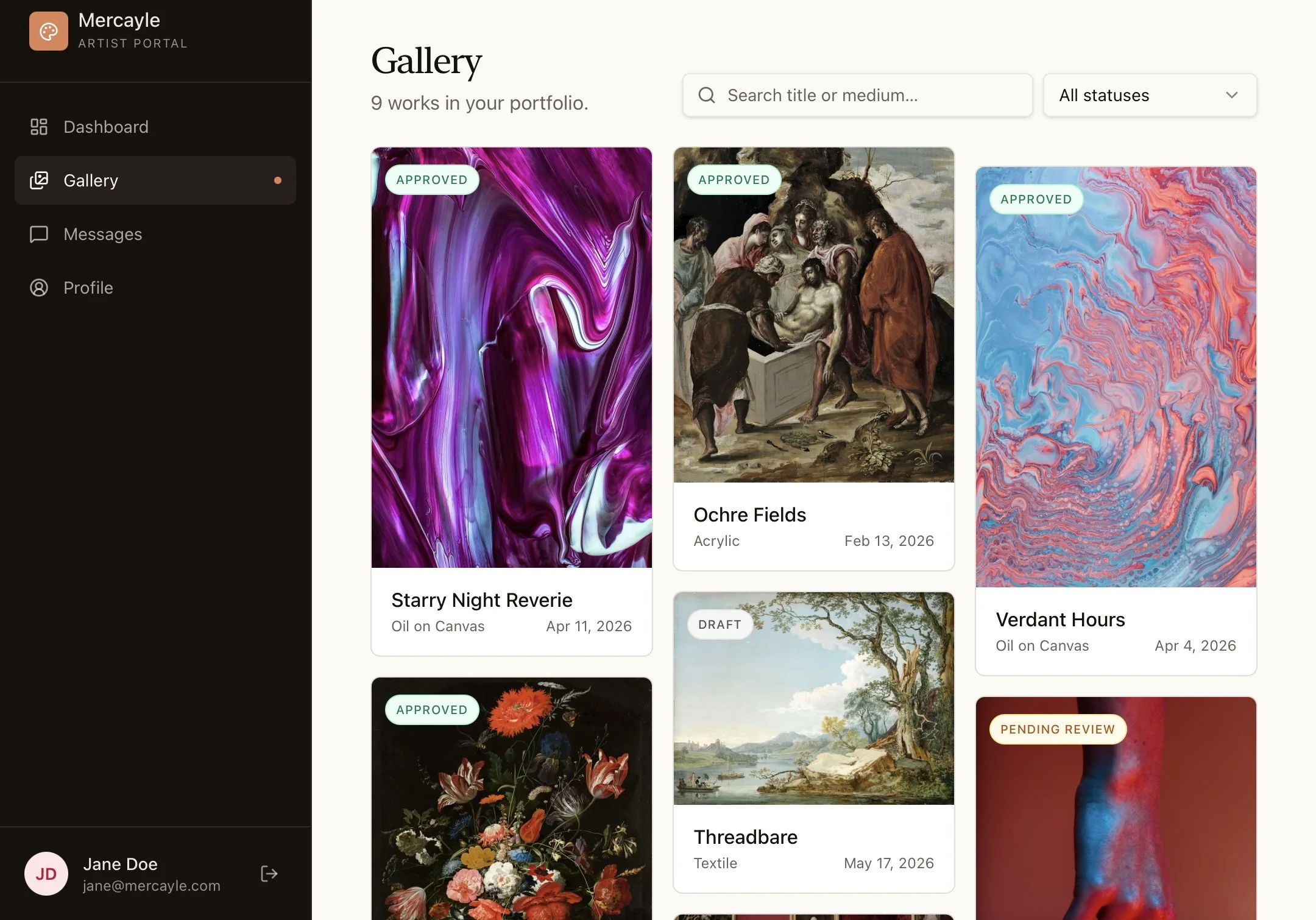
Tracking Your Submitted Works: Any artwork submitted to our team will appear directly in this grid archive. You can view each piece's live curation status instantly without needing to email the gallery.
Status Filtering: You can sort your catalog dynamically by active status (e.g., Approved, Pending Review, or Sold) or use the search bar to look up specific titles or mediums instantly.
Catalog Control: Use this area to quickly audit which pieces are currently live on the storefront and ensure your physical studio inventory matches our active registry.
The Secure Chat System
Communication with our curation board and gallery directors is entirely centralized to keep your studio projects organized. Rather than tracking down lost emails, you can handle dialogues directly on the platform under the Messages tab.
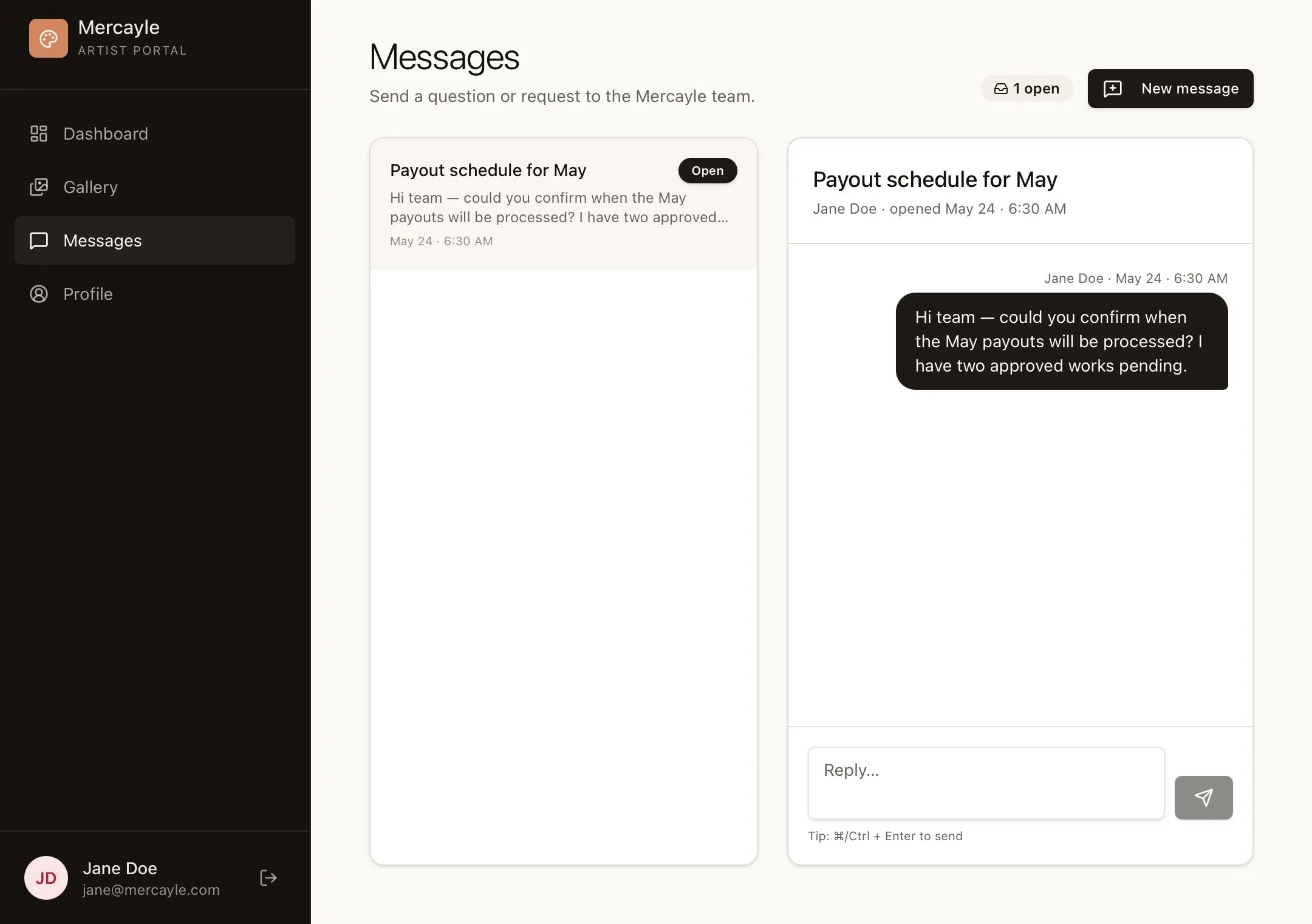
Direct Curator Line: Coordinate directly with our team regarding active exhibition feedback, collection themes, or custom retail adjustments. When you completed the conversation, it will be marked as resolved. The conversation will still be available for a period of 30 days.
Logistics Coordination: When an artwork sells, our shipping department will loop you into a dedicated chat thread here to confirm tracking hand-offs and label delivery.
Your Professional Profile
The Profile tab controls how you are presented to our private collector circles and curatorial scouts.
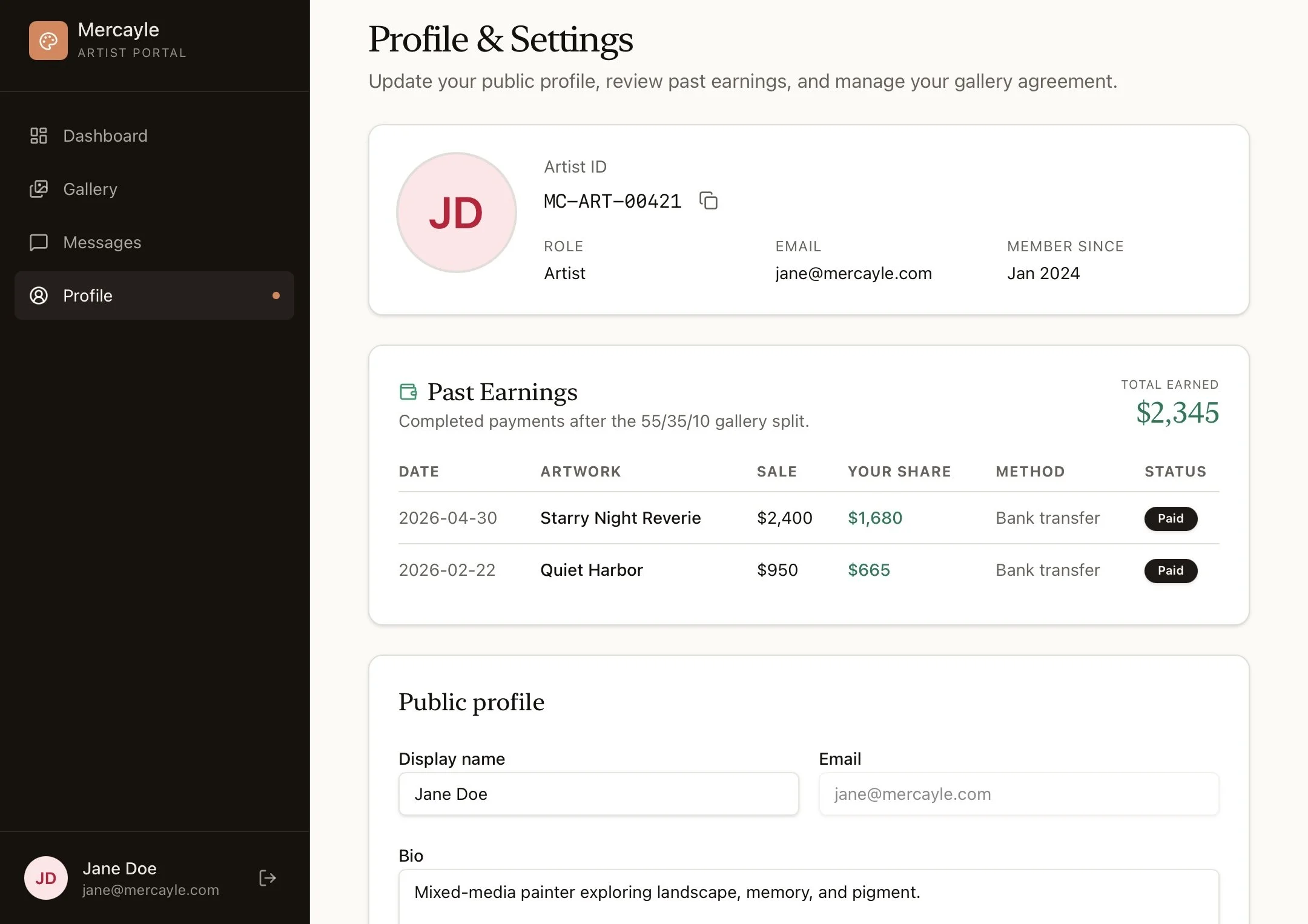
Your Mercayle ID: Our internal systems way of keeping all of keeping our artists and their works organized, this is auto generated.
Past Earnings: View you earns through our gallery for the current fiscal year, this will include the total price of the piece and your portion.
Bio & Artist Statement: Keep your artist statement, professional CV, and contact details up to date here.
Quick-Start Checklist for Success
To get the absolute most out of your integrated digital space, make sure you cross off these initial tasks this week:
Audit Your Active Registry: Go to the Gallery tab and double-check that your catalog perfectly matches what you currently have sitting physically available in your studio racks.
Send a Test Message: Pop open the Messages tab and send a quick hello to our curation desk so we can verify your secure communication pipeline is active!